
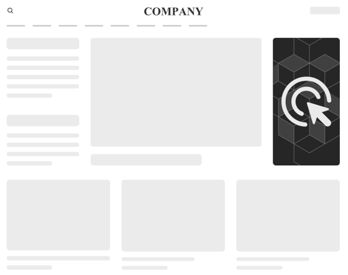
A simplified format for deploying a ready-made HTML5 banner (e.g. built in Google Web Designer, Adobe Animate, or hand-coded) without adapting the code for the platform. Unlike Standard (HTML5), which requires a strict file structure and a manually inserted clickTag, Simple HTML5 Banner shows the contents of the .zip archive as-is, and the platform itself adds clickability.
Inventory Compatibility
Compatible with any inventory that supports a standard HTML5 creative: own (direct placements) and external SSP inventory.
Known issues
Because clickability is implemented as a single transparent layer over the entire banner (see "Clickthrough" below), any interactivity built into the creative itself does not work: a separate video mute/pause button, a custom close button, several different links within one banner — all of these are covered by the platform's layer, and any click anywhere on the banner opens the same single link. For banners that need their own interactivity, use Standard (HTML5).
Format requirements
Archive
- File format — .zip or .zipx.
- There is no strict requirement for the name of the main HTML file — only the archive's extension is checked.
- Recommended: one clear main HTML file at the root, relative paths to assets that exactly match the file names in the archive.
Size
Recommended weight — up to 4 MB.
Main panel
The banner's width, height, and position are set not in the creative's code, but separately — when uploading/configuring the creative in the platform (width, height, float). <meta name="ad.size"> inside the HTML file is not used by the platform for this format.
float can take the special value catfish — the banner is then shown as an out-of-page format (a sticky, bottom-anchored unit) with a close button added by the platform itself.
Clickthrough
For Simple HTML5 Banner, there is no need to insert clickTag, wrap the content in a clickable link, or connect globalHTML5Api. The platform itself overlays a transparent layer over the entire banner area and itself opens the destination link configured at the placement level — on any click within the banner, regardless of the creative's own code.
This is why banners made in Google Web Designer in the
Event tracking
- View
- Click